Daily operation
Manifests and the Approval Gate
How recommendations become a reviewable Manifest, what the Approval Gate is, and how execution and reconciliation work.
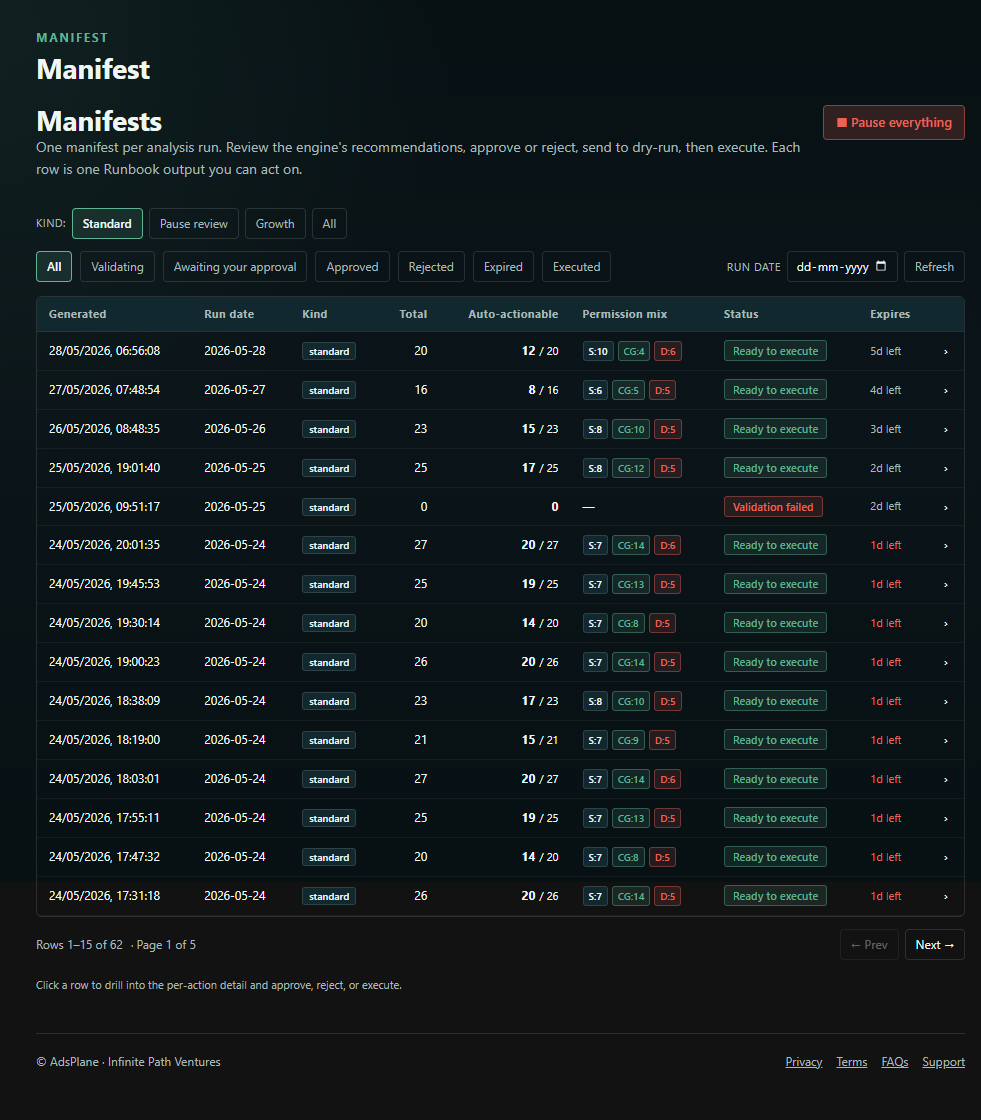
A Manifest is the structured action plan the engine produces each run. It's the single place every proposed change lives, and it's fully reviewable before anything happens.
What's in a Manifest
Each action carries:
- The entity it affects (campaign, ad group, keyword, target) and the change — current value → proposed value.
- A rationale explaining why it was proposed.
- A Data Confidence Score reflecting data quality and sample size.
- Its Guardrail status — passed, clamped, or blocked.
The Approval Gate
Nothing executes until you approve. The Approval Gate is your control point, and you can act on it two ways:
- In the dashboard — review the full Manifest and approve everything, a high-confidence subset, or individual actions.
- Over Telegram — approve, reject, or request a dry-run with a single command. See the Telegram command reference.
New accounts start in Shadow Mode, where the Manifest is generated and shown but nothing can be executed — ideal for evaluating AdsPlane or testing a new Guardrail Policy.
Execution and reconciliation
Once you approve:
- A dry-run validates the actions before any live change.
- Approved actions apply through the official Amazon Ads API, capturing a before/after snapshot for every change. Execution is idempotent and retry-safe, and it fails closed — on error a run pauses rather than guessing.
- Reconciliation runs afterward to confirm each change landed as intended and flags any drift.
- Everything is written to the Execution Ledger — an append-only record of every action — and summarized in your daily digest with a QC report attached.
How much runs automatically
How much of this happens without your tap is governed by your Autonomy Stage — from full manual approval up to trusted automation. You move up only by opting in. See the Autonomy Ladder.