Daily operation
Telegram command reference
Approve, reject, pause, and inspect your Runbook from Telegram. The full command set by plan.
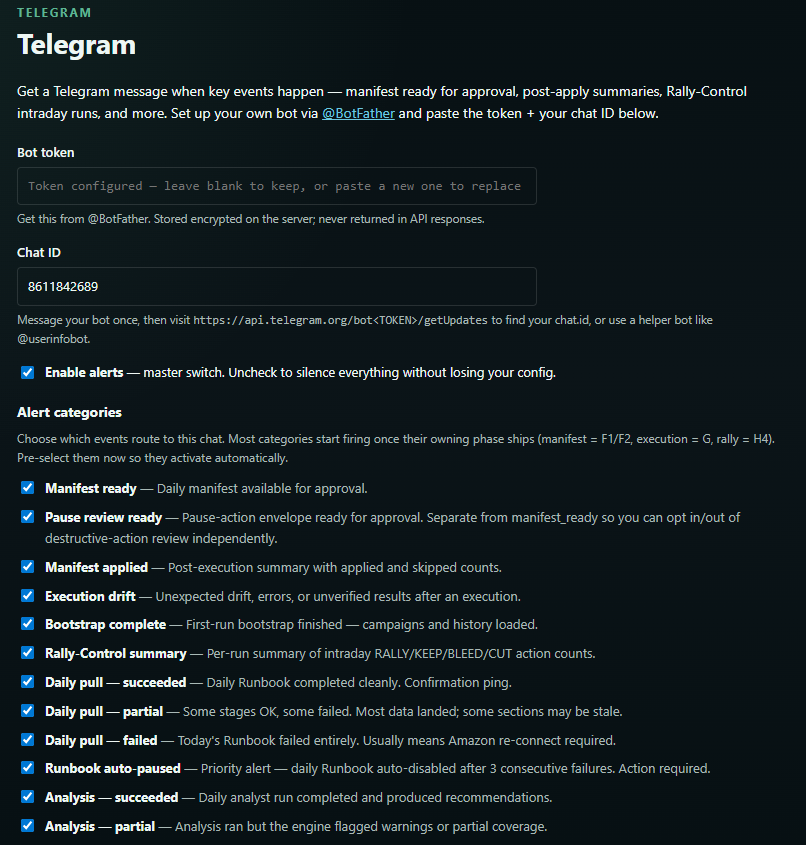
Telegram is the primary approval channel on hosted plans. Each day AdsPlane sends a Runbook digest, and you act on it with a command. On Free Local Lite, Telegram is alerts-only — no approval commands.
Daily digest
A typical Stage 1 (Manual Gate) message looks like this:
📊 AdsPlane Runbook — {date}
Account: {seller} | Profile: {marketplace}

✅ Analysis complete
📋 Manifest: {N} actions
   ├── Bid changes: {n}
   ├── Budget changes: {n}
   ├── Target pauses: {n}
   └── Negative adds: {n}

🛡️ Guardrail Policy: All passed
🔁 Dry-run: Clean

Data Confidence: {N} high (>85%) · {N} medium (70–85%)

👉 /approve — execute all
👉 /approvetop — execute high-confidence only
👉 /reject — skip today
👉 /details — see full Manifest
After execution you get a reconciliation message with the QC report attached.
Core commands (Hosted Starter and up)
| Command | Action |
|---|---|
/approve | Approve the full Manifest and execute all actions |
/approvetop | Approve high-confidence actions only (Data Confidence Score > 85%) |
/reject | Reject today's Manifest — skip execution |
/dryrun | Force a dry-run, no live execution |
/pause | Emergency pause — halt all automation immediately |
/resume | Resume automation after a pause |
/status | Today's Runbook pipeline status |
/details | Full Manifest action list with confidence scores |
/qc | Today's QC report as a CSV attachment |
/guardrails | Current Guardrail Policy summary |
/help | Full command reference |
Cockpit commands (Hosted Growth / Pro)
Multi-account control, on top of the core set:
| Command | Action |
|---|---|
/approve ACCOUNT | Approve the Manifest for a named account |
/pauseall | Pause all accounts simultaneously |
/audit | Trigger an on-demand audit run |
/stage | Show the current Autonomy Stage |
/promote | Start a Stage promotion (confirmed in the web UI) |
/rally on/off | Enable or disable Rally-Control intraday |
/summary | Portfolio-level daily summary across accounts |
The emergency pause is always available, at every Autonomy Stage. See Manifests and the Approval Gate for what each approval actually does.